Manage .NET User Secrets with Ease
A modern desktop application for managing your .NET User Secrets. Visual editing, AppSettings comparison, and cross-platform support.
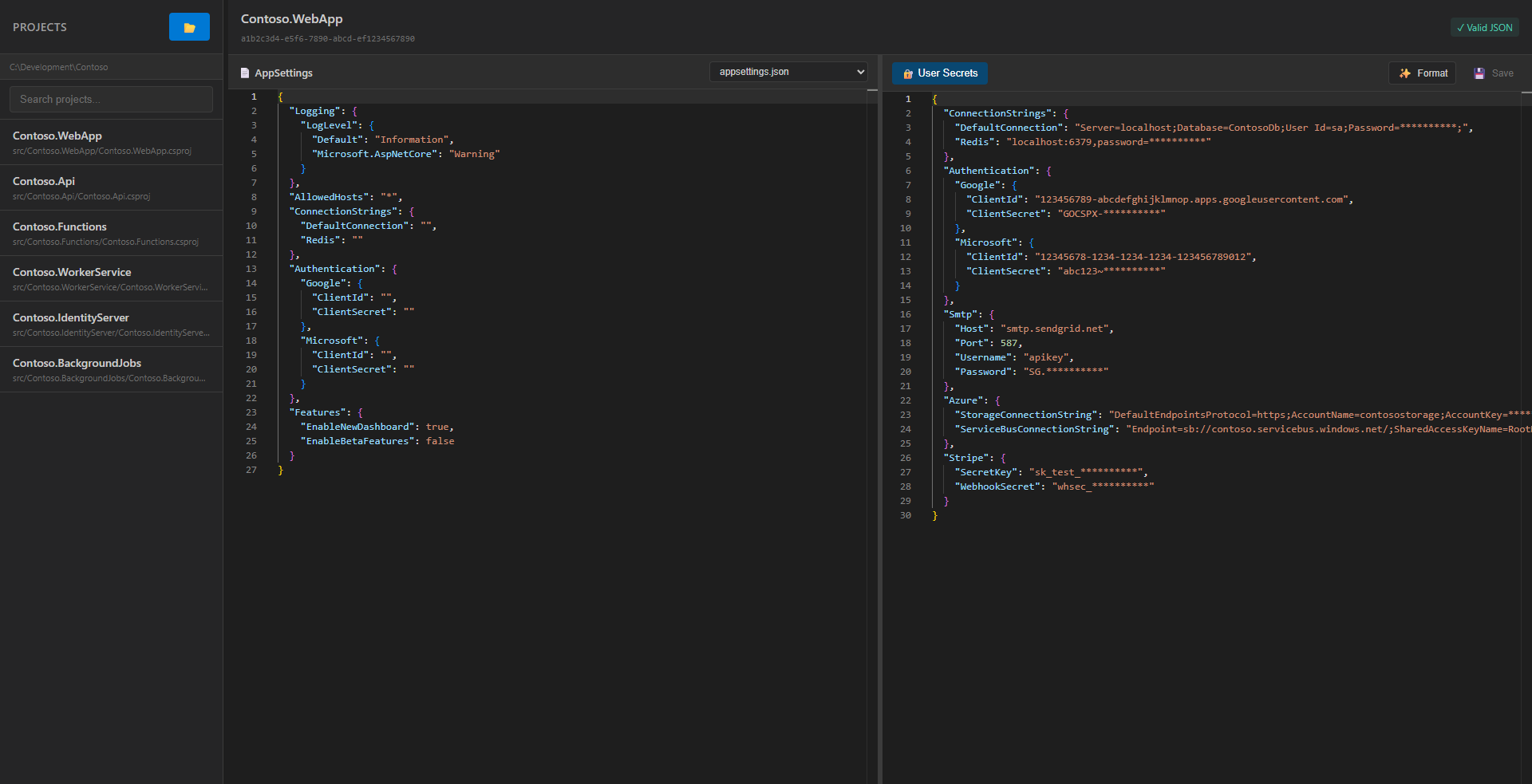
Features
Project Discovery
Automatically scans directories for .NET projects with User Secrets configured.
Visual Secret Editing
Edit secrets using a rich JSON editor with syntax highlighting and validation.
AppSettings Comparison
View your appsettings.json and appsettings.Development.json side-by-side with secrets.
Copy AppSettings to Secrets
Quickly copy configuration from appsettings files to your secrets with one click.
Cross-Platform
Works seamlessly on Windows, macOS, and Linux.
Auto-Updates
Automatically checks for and installs updates to keep you on the latest version.
Screenshots
Main interface with project discovery and JSON editor
What are .NET User Secrets?
User Secrets is a .NET feature for storing sensitive configuration (API keys, connection strings, etc.) outside your project directory during development. This keeps your secrets out of source control and provides a secure way to manage development credentials.
Secrets are stored in:
- Windows:
%APPDATA%\Microsoft\UserSecrets\<UserSecretsId>\secrets.json - macOS/Linux:
~/.microsoft/usersecrets/<UserSecretsId>/secrets.json
Download
Choose the right version for your operating system:
Windows
Windows 10 or later
macOS
macOS 10.15 or later
Linux
Ubuntu, Debian, Fedora, etc.